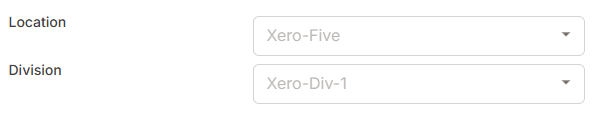
If you've connected your Xero account to Servis and you have Xero Tracking categories, then you should have your Tracking categories imported into Servis.

If you have customers in Xero that are linked to your categories, they will automatically be associated with this categories in Servis.
Servis only reads your customers "Sales" Tracking categories.
You can set and edit these categories on customers in Servis. When an invoice is sent from Servis to Xero, the tracking categories set on the customer will automatically be applied to all the line items in the invoice.